
Website chatbot cost in the UK: compare the bill, not just the headline
Published by NESDZO LTD · NEmployee ·
To compare a website chatbot price, first decide what the quoted allowance counts. A conversation with four assistant answers needs four AI replies in NEmployee. That difference matters more than comparing two monthly prices without reading their units. This guide gives you a small buying worksheet and a reply calculation you can check against your own expected use.
Write down the job before comparing a subscription
Start with the questions the assistant should handle and the outcome you want staff to receive. A salon menu enquiry, a dental examination question and a property viewing request each need different facts and a different handover. Decide which questions can be answered from your approved information and which decisions need a person.
List the website where the widget will appear, who maintains that website, who will keep prices current and who will respond to requests. Those responsibilities still exist when the software is installed. An apparently inexpensive plan does not remove the work needed to make its answers useful.
Use an AI reply calculation you can inspect
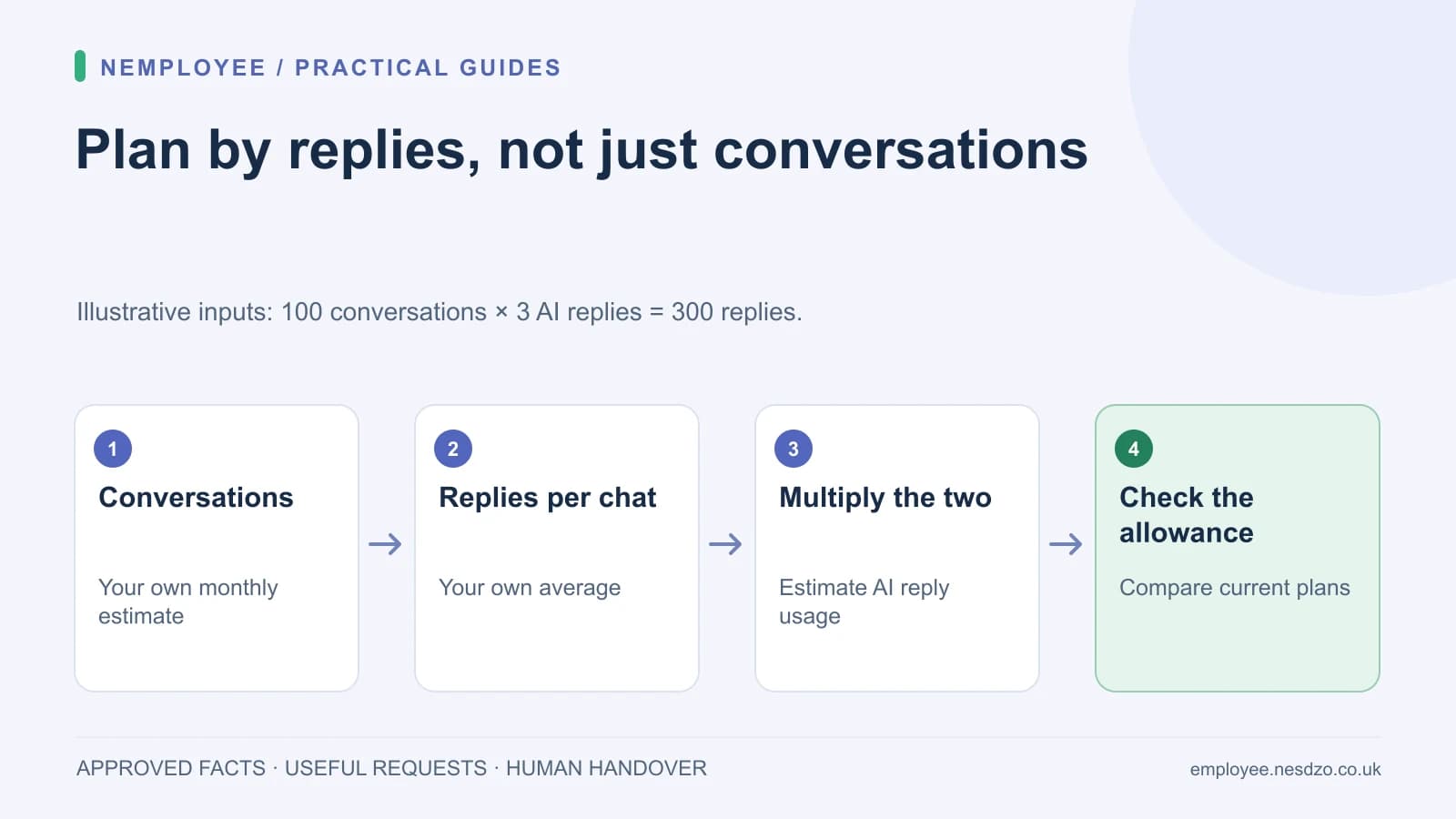
Estimate monthly website conversations, then estimate how many AI replies each conversation may contain. Multiply those two inputs. For example, 100 conversations with three AI replies each gives 300 AI replies; 250 conversations with four replies gives 1,000. These are arithmetic examples, not traffic or conversion forecasts.
Use your existing enquiry history if you have it. If you do not, mark the inputs as assumptions and replace them with observed use after launch. Our pricing page has an interactive reply estimator using the current published NEmployee offers. It checks the reply allowance; it does not guarantee that token limits or every other plan requirement will fit.
| Unit | Question to ask |
|---|---|
| Conversation | Can one conversation contain multiple AI replies? |
| AI reply allowance | What counts and when does the allowance reset? |
| Token allowance | Can token usage limit replies before the reply cap? |
| Website installation and follow-up | Who owns that work and is it included? |
Check the limits behind the monthly price
Ask how the provider counts replies, conversations, contacts, staff seats and website installations. Do not assume those units are interchangeable. Check the renewal period, the allowance reset and what happens when a limit is reached. A plan should make that behaviour clear before you subscribe.
NEmployee live AI replies use both a reply allowance and a token allowance. Other features and channels have their own rules. The detailed offer in your account is the place to confirm what your business is buying. The public pricing page reads active offers, so consult that page for current prices instead of treating a dated article as a quote.
Separate public previews, workspace tests and live replies
A public NEmployee example or personalised preview allows eight replies over 24 hours, subject to preview limits. You can try it without creating an account or entering a payment card. It does not put a chatbot on a real business website or make a real booking.
A free workspace is a different stage. It lets you prepare approved business information, use the manual inbox within its allowance and run eight assistant test messages per UTC month. Live AI replies require a paid offer. A successful demo is evidence that you have explored the workflow; it is not a customer or a paid subscription.
Budget for installation and staff follow-up
For website chat, configure the exact HTTPS origin, install the public widget script and verify a test conversation reaches the intended inbox. If a developer or agency manages the website, agree who adds and maintains the snippet. Keep private API bearer keys out of public website code.
Then test an ordinary question and a request that needs a person. A low subscription cost has little value if nobody follows up the viewing, consultation or job request. Decide who owns that queue and how staff will confirm the next step. Website text chat is separate from telephone answering; do not buy it on the assumption that it handles phone calls.
Make the decision with a short acceptance test
Use a known price, an unknown service, an undocumented discount, an appointment request and a request for a person. Check the actual answer and the resulting record. A convincing sentence cannot establish that an appointment was genuinely confirmed or a human handover happened.
Keep the approved facts, expected answer and observed result together. Choose a plan only after the workflow fits, then compare the allowance with real usage. If your requirement exceeds the published plans or depends on a particular integration, ask the team to check it before purchasing. The estimator does not negotiate terms or change your subscription.
A useful cost comparison has four lines: the current price, the unit being counted, the allowance you expect to need and the human work required after the chat.