
How to set up a salon website chatbot from your approved service menu
Published by NESDZO LTD · NEmployee ·
A salon website chatbot should answer the menu question a visitor is actually asking, then leave the team with a useful next step. Begin with the service menu you can approve today. Avoid treating a colour consultation fee as the final colour price or a preferred stylist as evidence of an available appointment.
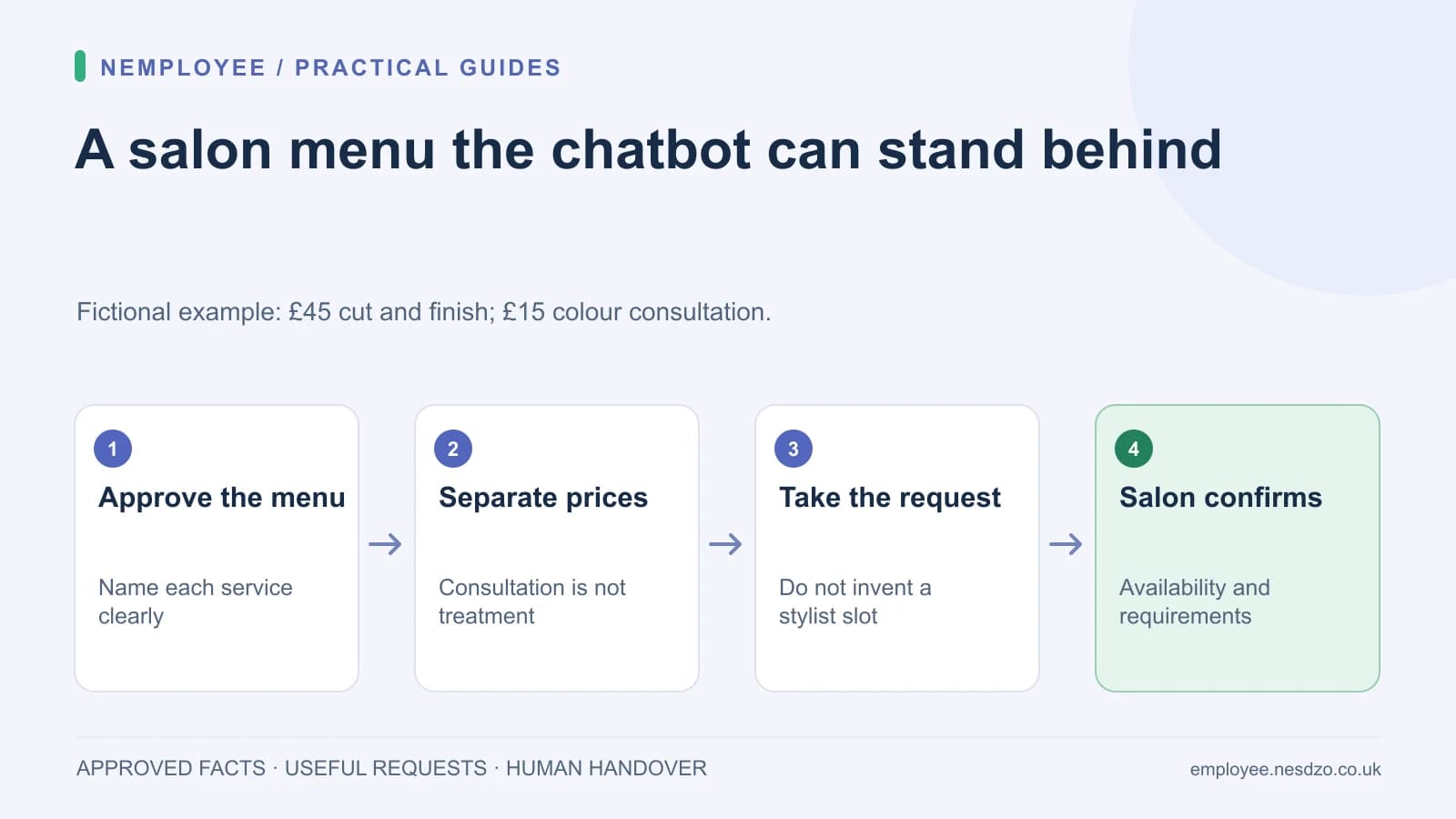
Create a menu with clear price qualifiers
List each service by the name customers recognise, along with its approved price or the condition that determines the price. A cut and finish, a colour consultation and a colour treatment need separate entries. If length, time or assessment affects the final quote, write down how staff confirm it.
Use the current menu rather than copying every historical offer from a website. Remove promotions that no longer apply and do not let the assistant create a discount because a customer asks confidently. Your facts should make the normal answer easy and the exception visible.
Decide what a booking request should contain
Agree which service the visitor wants, their preferred next step and the details your team needs to follow up. Do not ask for unrelated personal information. A request may be useful without claiming that a named stylist or a specific time is free.
Write down who confirms appointments and how customers receive that confirmation. If your live workspace uses a connected booking tool, test its actual accepted result. A public NEmployee example never creates a real booking, and a polite chatbot sentence is not a calendar confirmation.
| Customer question | Expected boundary |
|---|---|
| What is a cut and finish? | Uses the approved service description and price. |
| What will a colour treatment cost? | Distinguishes a consultation from a final quote. |
| Can my preferred stylist see me now? | The salon confirms stylist availability. |
| Can I skip a required patch test? | The team decides treatment requirements. |
Try the fictional salon before entering your own information
Example Salon has a cut and finish at £45 and a colour consultation at £15. Ask the cut-and-finish price, then ask what a colour treatment will cost. The assistant should use the approved menu for the first and leave a treatment quote needing assessment with the team.
Use another question to request an undocumented discount or immediate attendance by a particular stylist. A useful assistant does not invent permission or availability. Ask for a person too: the public example explains the handover boundary, while a configured live business can route the conversation to its team inbox.
Keep suitability and treatment requirements with staff
Enter the consultation and patch-test wording your salon approves. Do not ask a chatbot to decide personal suitability from a short message or override a requirement because a visitor wants an earlier booking. Those decisions belong with your team.
Create a clear route for personal concerns, complaints or questions outside the approved menu. The assistant can keep the enquiry organised without needing to answer every part of it. Staff should see what remains undecided when they pick up the conversation.
Approve the facts before installing the widget
You can prepare a NEmployee preview from the salon website or enter a business name and a few facts manually. Review discovered services, prices and hours before approving them. Test the personalised preview with the same questions used in the fictional example so you can compare the behaviour.
For a real website installation, create the business workspace, choose an appropriate live plan, configure the exact HTTPS origin and add the supplied script. The public site key belongs in that snippet. Private API bearer keys do not belong in website JavaScript.
Check the enquiry your team receives
Test from a phone as well as a desktop. Make sure the launcher is usable beside cookie banners and that a question reaches the correct inbox. Check a price question, an unknown service, a discount request and a handover. Keep a small list of expected results so you can repeat it after changing the menu.
Measure actual useful conversations and confirmed next steps separately. Opening a chatbot is not a booking, and a booking request is not a paid service. Use observed usage when reviewing the plan allowance instead of assuming that every website visitor will start a conversation.
An exact service menu, a clear request process and a responsible staff handover make the chatbot useful while your team is with clients.
Try the workflow before adding business details.
Try the free hair and beauty salons chatbot example →
The business is fictional. The public preview does not create real bookings or contact customers.