
Aesthetics clinic AI receptionist: safer consultation enquiries
Published by NESDZO LTD · NEmployee · · Updated
An aesthetics enquiry often mixes practical questions with personal concerns: cost, likely results, suitability and available dates. A good first response can be welcoming and commercially useful without pretending to offer a clinical assessment.
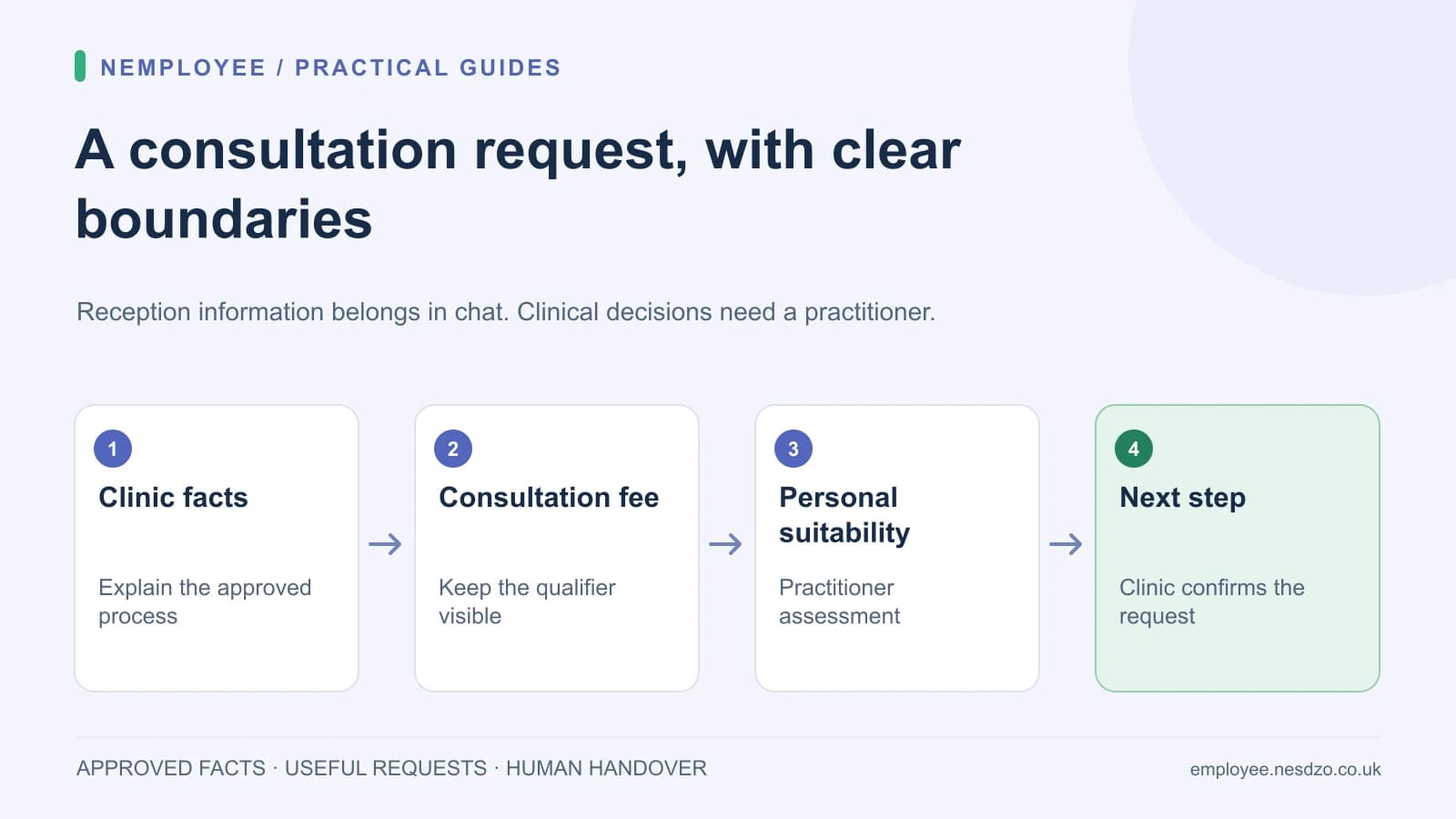
Build an approved service menu
List the treatments the clinic actually offers, the wording you use for them and any prices or ranges you have approved for public use. Add consultation fees, deposit rules and cancellation terms if they apply. If a treatment is not on the list, the assistant should ask the team rather than infer that it is available.
Explain when a price depends on an assessment. For example, “Prices start at…” is useful only if that minimum is real and covers the service the customer asked about. A fabricated discount may win a chat and damage trust later.
Separate reception from suitability advice
The assistant can explain how the clinic arranges a consultation, gather preferred times and ask what outcome the person is interested in. It should not decide whether a procedure is appropriate, diagnose a condition or promise a particular result.
If a customer describes a reaction, severe symptoms or a safety concern, direct them to appropriate qualified help and alert the team. The most persuasive safe answer is often a clear route to the right person, not a longer automated explanation.
| Website chat | Practitioner or clinic team |
|---|---|
| Explain an approved consultation fee | Assess personal treatment suitability. |
| Collect a preferred next step | Confirm the actual consultation. |
| Share the documented clinic process | Decide treatment options and clinical advice. |
Keep the conversation useful and respectful
Answer the question first. If someone asks the consultation price, give the approved price or say when the team will confirm it. Then invite a consultation or a staff callback when that is a natural next step. Avoid repeating “Would you like to book?” after a clear refusal.
Business-specific conversation guidance can tell the assistant how to introduce a consultation, when to offer a human handover and which terms the clinic prefers. Keep these instructions factual and aligned with the services you have entered.
Bring photos into the right workflow
A customer may send a photo through a supported connected channel. Visual context can help staff understand what was sent, but an image alone cannot prove medical suitability or a diagnosis. Set an expectation that a qualified professional will assess the concern.
Do not ask for more sensitive detail than reception needs. Review your privacy notice and internal handling before inviting customers to share images through a public channel.
Test the difficult conversations
Try a straightforward consultation request, an unlisted treatment, a price question, a customer asking for a guaranteed result and a message that needs urgent human attention. The last two should not turn into confident sales claims.
NEmployee’s free workspace gives you eight test messages per month. Use them to improve your approved knowledge before live replies, then review real handovers for gaps that staff can fix.
Invite a real consultation with clear facts and respectful questions; leave suitability, diagnosis and outcomes to qualified staff.
Try the workflow before adding business details.
Try the free aesthetics clinics chatbot example →
The business is fictional. The public preview does not create real bookings or contact customers.